

Install the Mer Tsayn app on your phone
Mer Tsayn is a web app: you do not download it from a store, you add it to your home screen straight from the browser. It takes seconds and uses almost no space.
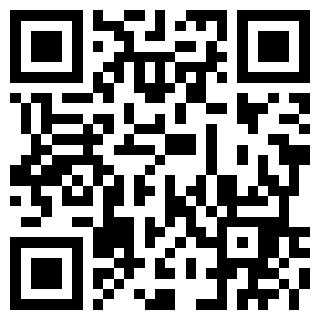
Or open this address in your phone's browser:
mertsayn.com/mobil
- It opens full screen, without the browser bar and tabs.
- It sits on your home screen with its own icon.
- Breaking news, the Community Board and the Culture Programme are on the first screen.
- It still opens when your connection is weak; the last page you read is kept.
Steps for your phone
iPhone and iPad (Safari)
- Open the address in Safari; adding to the home screen only works there.
- Tap the Share button at the bottom of the screen.
- Scroll the list, choose “Add to Home Screen”, then tap “Add”.
Android (Chrome)
- Open the address in Chrome.
- Tap the “Install” button that appears; if it does not, open the ⋮ menu.
- Choose “Install app” or “Add to Home screen” and confirm.
Computer (Chrome, Edge)
- Open the address in your browser.
- Click the install icon at the right of the address bar, or “Install” in the menu.
Frequently asked
Is it on the App Store or Google Play?
No, and it does not need to be. Mer Tsayn is a web app installed from the browser; it needs no store account and updates itself every time you open it.
Does it take up space on my phone?
Almost none. What is installed is an icon and a small cache; photos and articles always come from the internet.
How do I remove it?
Press and hold the icon on your home screen and delete it. Nothing else is needed.
Do you ask for personal details?
No. Reading needs no account; your language and dark-mode preferences stay on your own phone.
You do not have to — merdzayn.norax.ai shows the same content on every phone and computer. The app is only there to get you back faster.